Concept designers
Turn a rough visual direction into several compositions for a campaign, product, or presentation.
You can compare possible directions early and carry the strongest concept into further refinement.
Open the Dzine workspaceVisual AI workspace
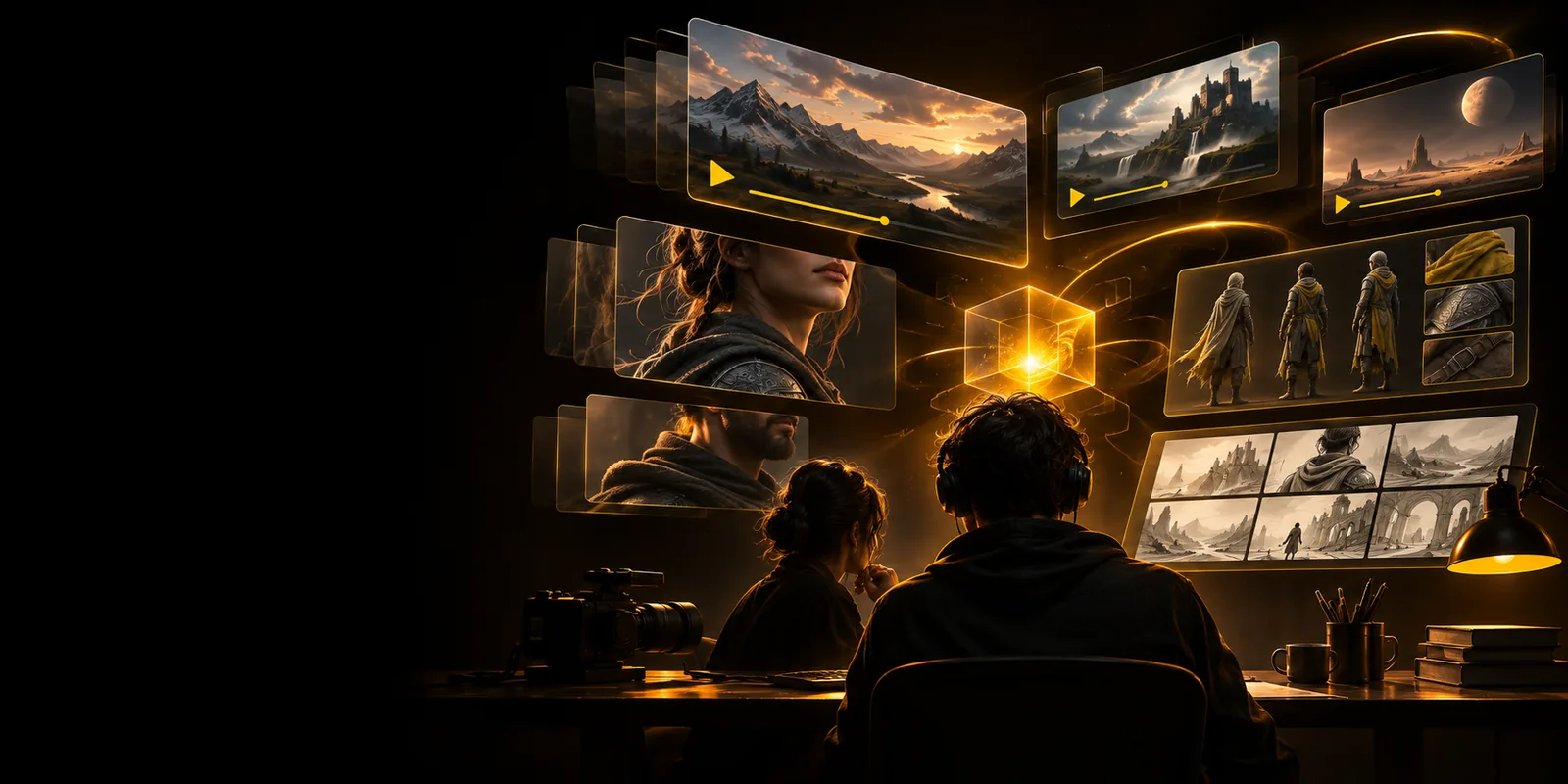
The dzine app brings image generation, editing, and visual exploration into one focused workspace. Start with an idea, image, or creative direction and shape it into a clearer result.
Built for creators
Dzine AI is most useful when you want to explore a direction quickly, preserve a visual reference, and keep refining instead of restarting from scratch.
Turn a rough visual direction into several compositions for a campaign, product, or presentation.
You can compare possible directions early and carry the strongest concept into further refinement.
Open the Dzine workspaceUse a starting image, then adjust its subject, mood, setting, or visual treatment with focused instructions.
The creative process stays centered on the original idea rather than becoming a sequence of unrelated generations.
Edit an image in Dzine AIExplore campaign imagery, social concepts, and presentation visuals before committing to a final production route.
Teams get a shared visual starting point for feedback and iteration.
Explore brand conceptsTest character moods, environments, color ideas, and alternate compositions during the early stages of a project.
Dzine AI helps widen the reference set while leaving the final creative decisions with you.
Try visual explorationSimple workflow
A practical Dzine workflow starts with a clear input, moves through controlled exploration, and ends with a version you can review or continue refining.
Write a visual prompt or begin from an image that already contains the subject, mood, or composition you want to preserve.
Describe the changes you want and compare the resulting visual options. Specific references and concrete adjustments make the next step easier to judge.
Keep the strongest version, revise the prompt or image direction, and continue until the concept is clear enough for your next creative step.
Continue exploring
Choose the route that best matches the kind of visual work you want to test next.
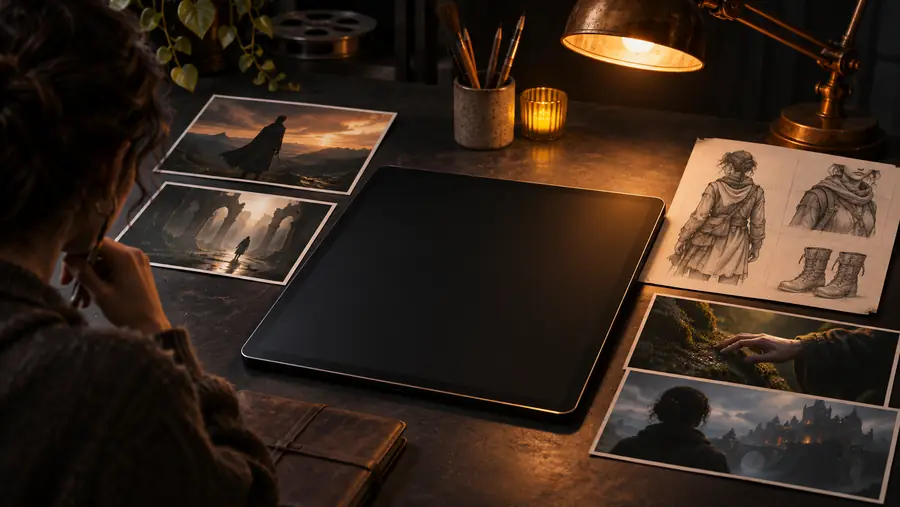
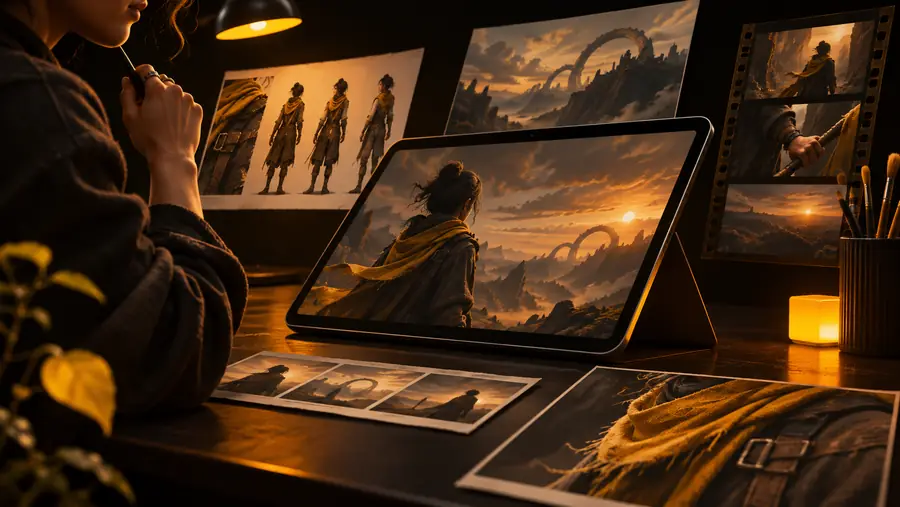
Workflow example
The strongest results usually come from treating generation as an iterative design process rather than expecting one prompt to solve everything.
Illustrative workflow pair, not a guaranteed output.
At a glance
The app is most helpful when you want structure around visual exploration without giving up control of the creative direction.
Dzine AI app
Blank canvas
Dzine AI app
Prompt, image, or visual reference
Blank canvas
You provide every element manually
Dzine AI app
Generate and compare visual directions
Blank canvas
Requires separate manual variations
Dzine AI app
Describe changes and iterate from a base
Blank canvas
Edits depend on your existing tools
Dzine AI app
You define the subject, mood, and next change
Blank canvas
Maximum manual control from the start
Dzine AI app
Concepting, visual studies, and directed iteration
Blank canvas
Detailed work with an established manual process
Dzine AI app
Requires practice writing useful visual directions
Blank canvas
Requires practice with the chosen creative software
Know the edges
Dzine AI can accelerate visual exploration, but it does not remove the need for judgment, review, or a suitable production workflow.
A generated image may be attractive but still miss the audience, message, or visual system your project needs.
WorkaroundDefine the purpose, reference style, and non-negotiable elements before generating.
A first result can contain the right mood but the wrong composition, details, or balance.
WorkaroundChange one important variable at a time and compare versions instead of rewriting everything.
Generated visuals may still require retouching, approval, file preparation, or brand checks before publication.
WorkaroundTreat the app as a creative stage, then complete final checks in the tools your project requires.
Broad instructions can produce broad results, making it harder to understand what should change next.
WorkaroundUse concrete descriptions of subject, composition, lighting, color, and intended use.
Start creating
Use Dzine AI to explore a concept, reshape a reference, or find a stronger visual direction. Begin with a prompt that gives the workspace something specific to work with.
Open Dzine appCommon questions
These answers cover the practical questions people commonly have when deciding how to use the app.
The Dzine app is a visual AI workspace for exploring and refining images from prompts, references, or creative directions. It is designed to support concept development and iterative visual work rather than replace every step of a finished production workflow.
You can use it to develop image concepts, explore compositions, test styles, and revise visual directions. It can be useful for early campaign ideas, image editing experiments, character studies, and other creative tasks where comparison and iteration matter.
No. You can begin with a written description when you want to explore a new visual idea. An existing image or reference can also give the workflow a stronger starting point when subject, composition, or mood already matters.
It can support professional concepting, visual exploration, and early-stage direction, especially when a team needs options quickly. Final suitability depends on the project, review requirements, brand standards, and any finishing work needed after generation.
Give the prompt a clear subject, visual style, composition, lighting, and intended mood instead of relying on a vague description. Then iterate deliberately by changing the most important mismatch first and keeping useful references in the process.